

INTERAC® Email Money Transfer
Do you need to send someone money? Don't know their banking information? Try an INTERAC Email Money Transfer! All you need is the recipient's e-mail address to send money in just a few quick and easy steps.
What is an INTERAC Email Money Transfer?
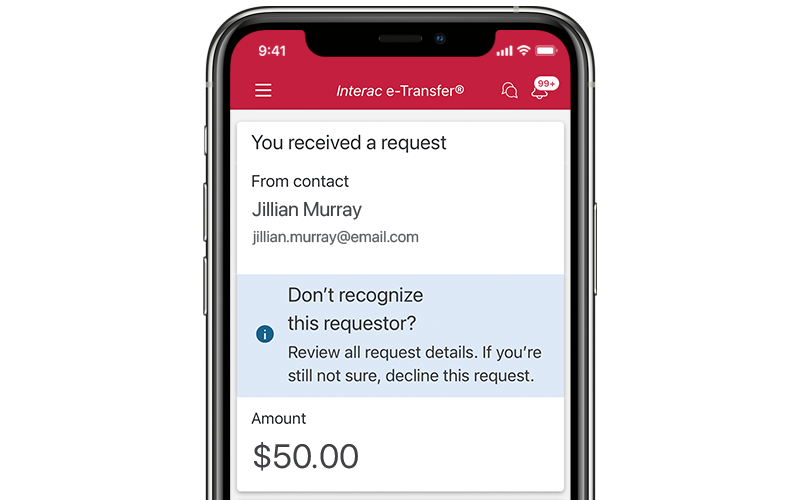
With an INTERAC Email Money Transfer, you can send money to friends and family, even if you don't know their account number or banking information. CIBC sends an e-mail to the recipient, telling them how to complete the money transfer.
It's a fast and secure way to transfer money. And you can get started by logging on to CIBC's Online Banking service!
How it works
First, you'll need the e-mail address of the person who will receive the money. You will also need to create a "security question", which the recipient must answer to complete the transfer.
E-mail is used for communications, but the money moves through the same secure network that CIBC uses every day.
Key Benefits:
Convenience
- They're fast and easy to use
- They're a great way to get that extra cash you need for rent, food or textbooks
- Online Banking is available 24 hours a day, seven days a week
- Anyone with a CIBC personal Canadian dollar bank account can send one
- They're great for sending money as a gift, or repaying family and friends (but they're not yet available for bill payments or other business payments)
Saves time and money
- No more stamps or writing cheques
- No waiting for the bank to approve the transfer - the recipient has quick access to funds
- Only the recipient's e-mail address is required - you don't need to know their account number
- Lower cost than money orders or bank drafts
Security
- CIBC uses its secure payment networks to transfer the money
- INTERAC Email Money Transfers are much safer and more reliable than sending cheques or money by mail
- Your security question, once answered correctly, helps to make sure that your money goes to the right person
Information you need to know:
CIBC fees
- Sending an INTERAC Email Money Transfer (network fee) - $1.50
- The usual withdrawal fees associated with the CIBC account (if any) are additional.
- Receiving an INTERAC Email Money Transfer using CIBC Online Banking - FREE
- Reclaiming an INTERAC Email Money Transfer using CIBC Online Banking** - FREE
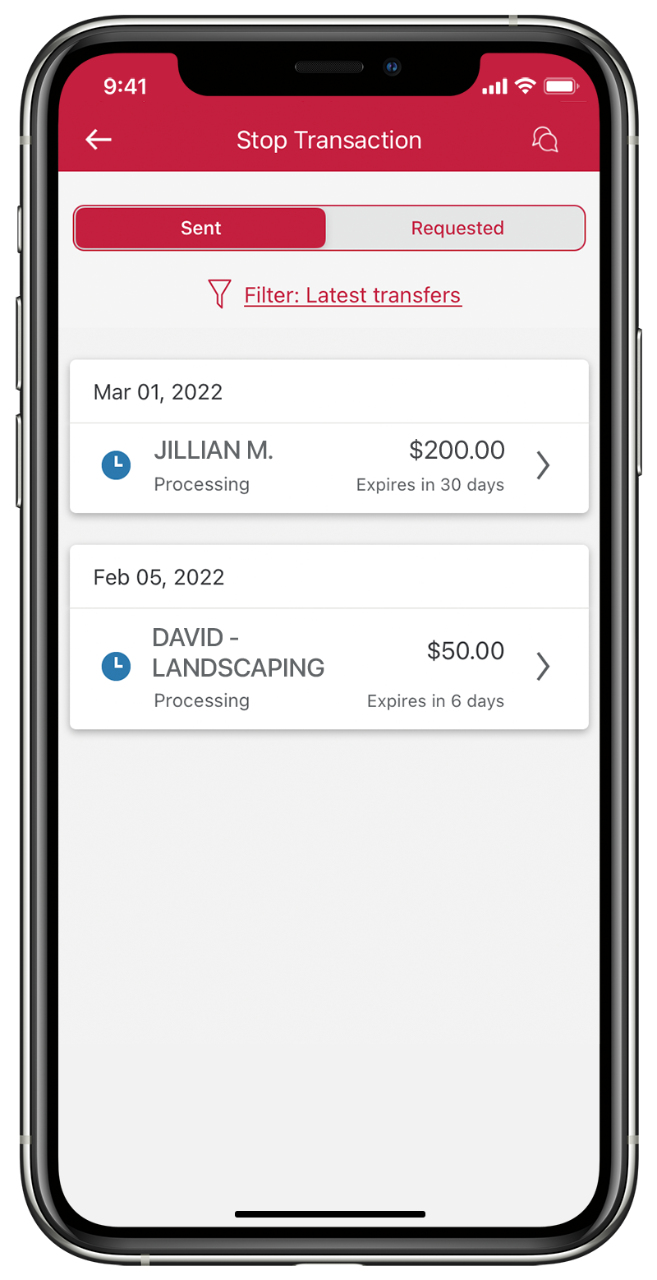
- Stopping payment on an INTERAC Email Money Transfer - $3.50
Note: Other participating financial institutions or the service provider for the INTERAC Email Money Transfer system may charge fees to senders and recipients who do not use CIBC Online Banking.
* Usual deposit fees, if any, associated with CIBC recipients' accounts are additional.
** If a customer reclaims an INTERAC Email Money Transfer, the next INTERAC Email Money Transfer sent (during the same month as the reclaim) will be free. This applies if the transfer expires, is declined by the recipient, or if messages to the recipient's e-mail address are rejected.
Security questions
- Each time you send an INTERAC Email Money Transfer, you need to create a security question and answer combination.
- The question and answer should be unique and not obvious to anyone else.
- The sender needs to communicate the answer to the recipient (but not in the body of the e-mail).
What you need
Email Money Transfer is quick and easy to use. You need the following to get started:
- Your e-mail address
- A Canadian dollar bank account at a Canadian financial institution
- Access to Online Banking
How do you send an INTERAC Email Money Transfer?
To send a transfer, you need to know:
- The recipient's name
- The recipient's e-mail address
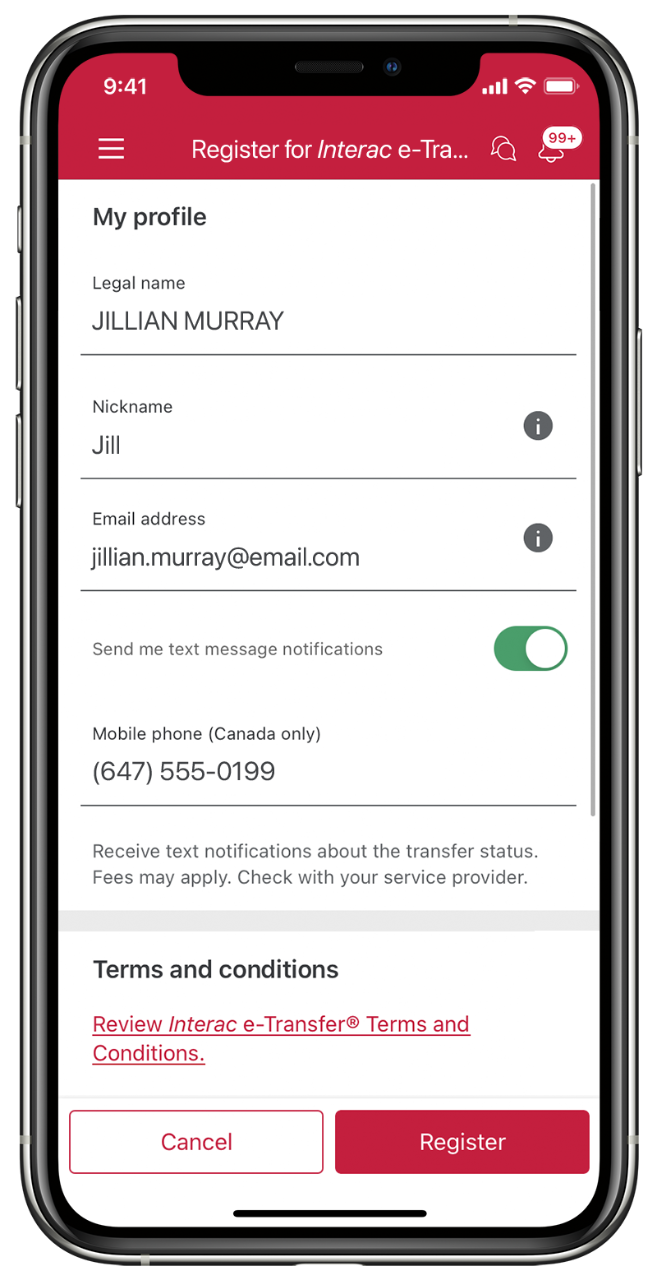
To send or receive Email Money Transfers, you must register for this service through Online Banking. Registration is quick and easy:
- Sign in to Online Banking.
- From the left-side navigation bar, select "Transfers".
- From the expanded list, select "Email Money Transfers", followed by "Get Started".
- Read the "Terms and Conditions for CIBC Email Money Transfer Service" and if you agree, select "I Accept".
- At the "Set me up" page, provide:
- Your e-mail name.
- Your e-mail address.
- Select "Continue".
- At the "Status" page, use the left-side navigation bar to begin the process of sending or receiving Email Money Transfers.
Note: The e-mail address you provide for Email Money Transfers will replace any previous ones offered - even those used for general purposes.
Copyright® 2009 Canadian Imperial Bank of Commerce. All rights reserved.