


Manage your money on your own devices

CIBC Online Banking® for Business

CIBC SmartBanking™ for Business
|
|
|
Interac e-Transfer |
|
|
Bill payments |
|
|
| Wire transfers |
|
|
EFT — direct deposits |
|
|
EFT — pre-authorized payments |
|
|
Account transfers |
|
|
Global Money Transfer™ service |
|
|
Cross-currency transfers |
|
|
Business credit cards |
|
|
Comprehensive reporting |
|
|
Multi-signature setup |
|
|
Entitlements |
|
|
Payment approvals |
|
|
Payroll |
|
|
ACH payments (USD) |
|
|

Give access and assign roles
Protect your business from fraud
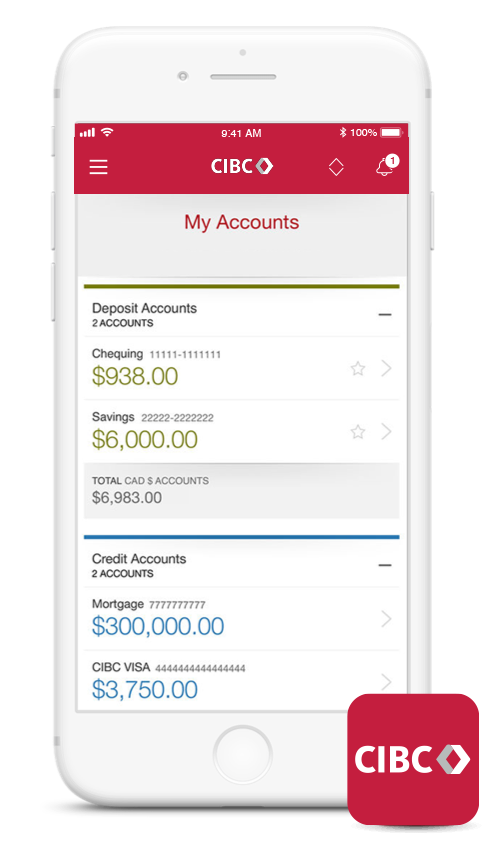
CIBC Mobile Banking® App
Get the app:


Get the mobile launcher:


Visit us in person. We're just around the corner

CIBC Banking Centres

CIBC ATM network
Access your money worldwide

Enjoy fast and easy banking with no added fees

Give access and assign roles
Your security is important to us
Stay connected even if you're offline

Contact our Business Client Advice Centre

Give access and assign roles
Your security is important to us